In the crowded field of AI-driven digital assistance, innovation often sneaks in from unexpected places. Enter Clicky, a novel AI assistant designed for macOS that is redefining the boundaries of user interaction with technology. Unlike traditional assistants that merely respond to queries, Clicky utilizes contextual awareness to provide real-time, task-oriented assistance right next to your cursor. This could change how we think about productivity tools and the role of AI in our daily workflows.
The Essence of Clicky
Developed by Farza Majeed, Clicky stands out by being as close as the mouse cursor, triggered by a simple keyboard shortcut. The freemium model requiring an email address for access is innovative yet simple. Once you've set Clicky up, it's almost like having an extra pair of eyes that can help navigate your tasks. Importantly, it employs Claude AI, renowned for its conversational capabilities but now applied in a way that merges utility with accessibility. The source code is open, allowing for user-driven iterations—a refreshing move in an era where many AI tools offer limited customization.
Hypercontextual Assistance
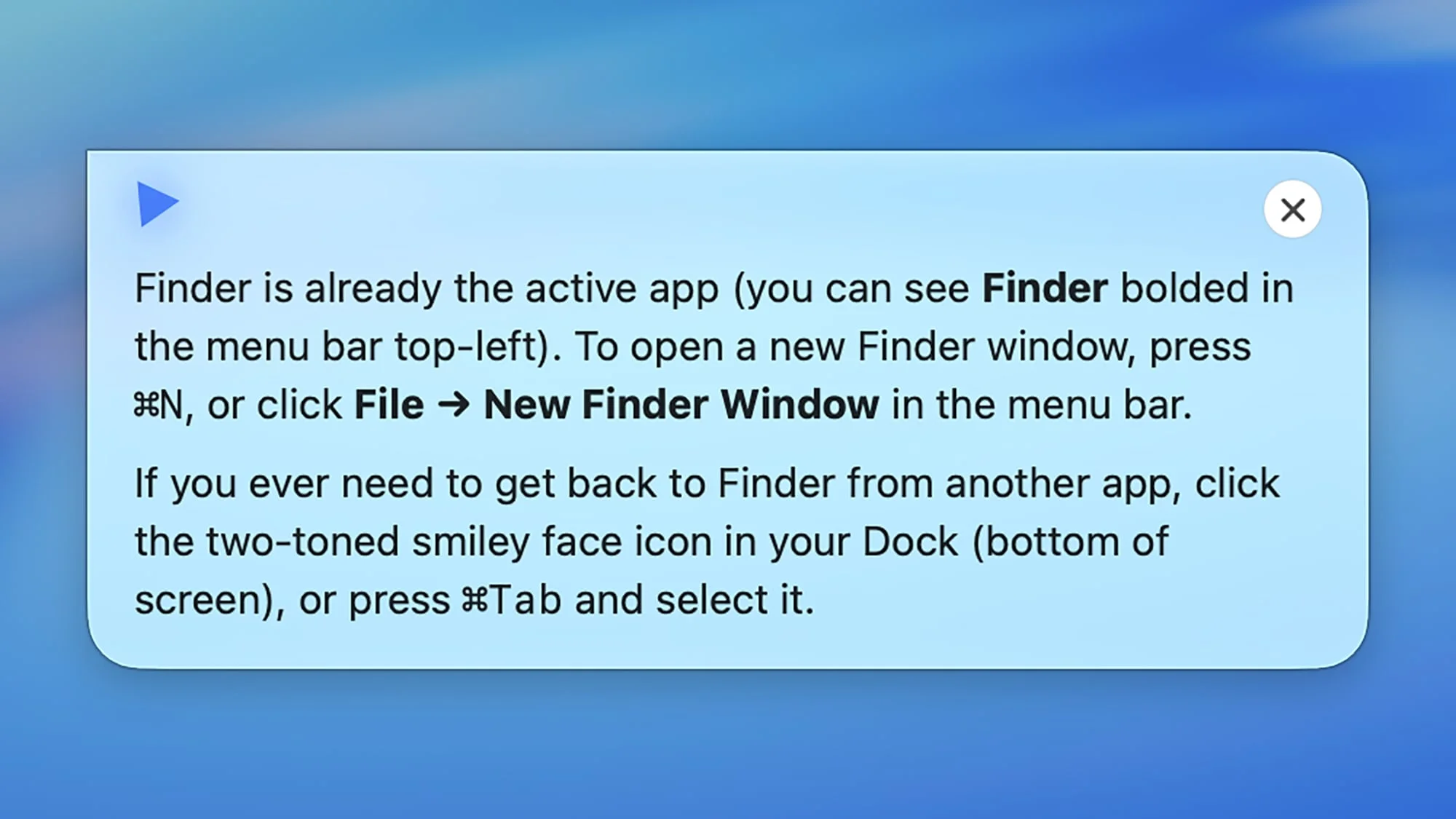
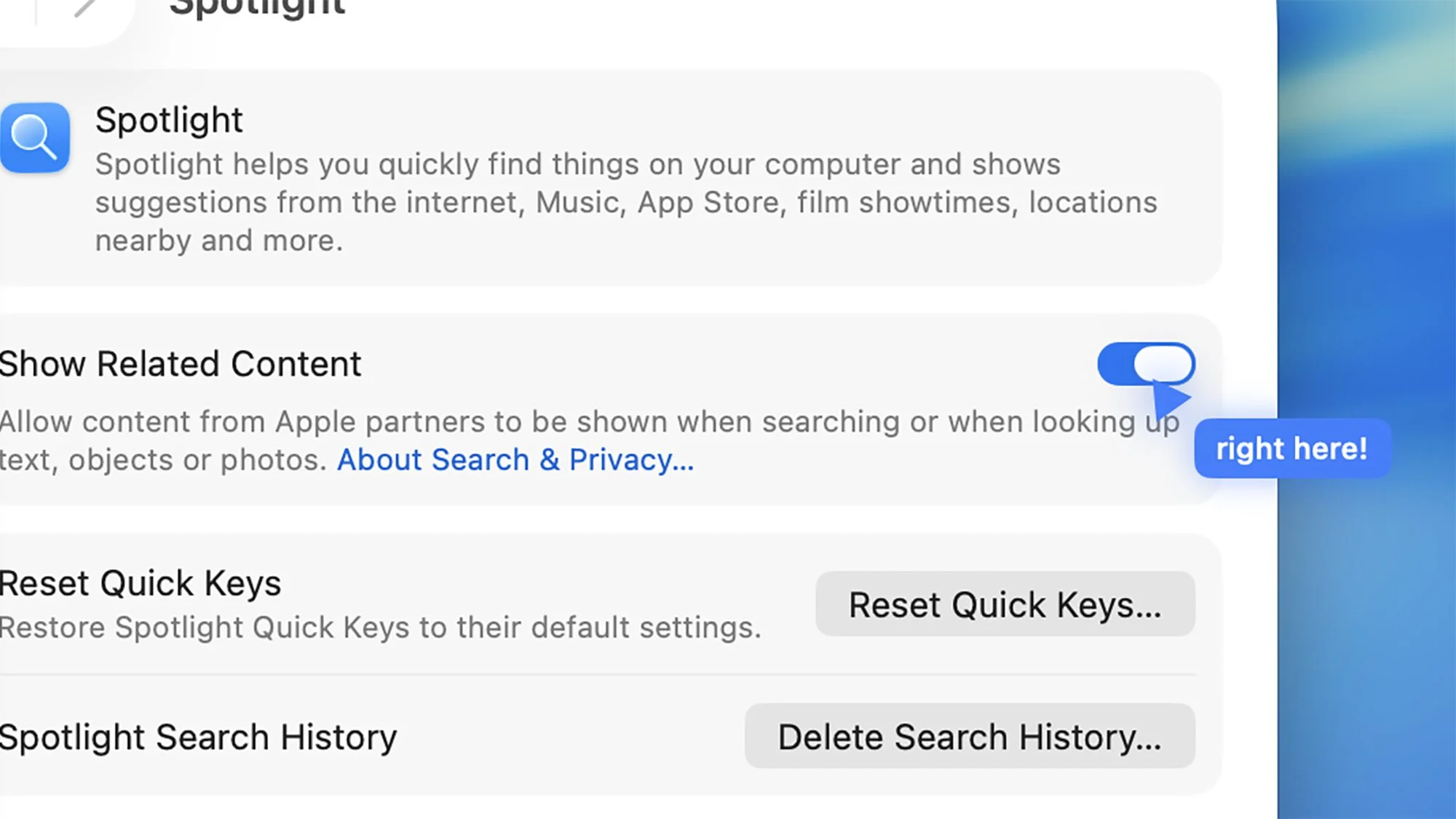
Clicky truly shines in its ability to deliver context-sensitive help. Users can engage with it whether they're performing mundane tasks like changing system preferences or creative endeavors such as photo editing in Photoshop. For instance, when prompted about changing desktop wallpaper, Clicky not only instructs you in steps but also manipulates your cursor, offering a guided experience. Such interactivity pushes the paradigm of “ask and receive” towards “assist and accomplish.”
The User Experience
Adopting Clicky requires minimal setup, but once operational, the interface becomes intuitive very quickly. The initial introduction helps acclimatize users to its capabilities, which includes a friendly chat interface mimicking Claude’s conversational style. This aspect is crucial as it allows users to feel engaged rather than overwhelmed, democratizing access to assistance. However, it's worth noting that while Clicky is adept at understanding natural language, there are areas where customization could improve its utility further, particularly for niche applications and workflows.
Practical Applications
The functional prowess of Clicky extends seamlessly to various applications. Its guidance isn’t limited to macOS; users can engage it for web tasks, asking questions ranging from browser operations to website trustworthiness. A particularly interesting case arises when it offers to summarize web pages—an increasingly essential function in a world of information overload. This could represent a significant competitive edge over existing digital assistants, especially for users who often toggles between different web sources for information.
Potential & The Road Ahead
While Clicky is impressive out of the gate, one can’t help but wonder about its scalability. As we push toward more advanced AI integration in everyday tasks, how will Clicky adapt to less well-known applications? The current focus on mainstream tasks might limit its appeal for advanced users who require tools compatible with specialized software. Moreover, expanded customization options could address this and enhance user experience significantly.
With tech giants like Apple and Microsoft eyeing the realm of intelligent assistants, Clicky may serve as a harbinger of how AI can become ingrained in operating systems—beyond simply responding to commands, but actively facilitating workflow achievements. This shift demands impactful considerations for design, user privacy, and real-time contextual assistance.
In a landscape where AI applications often overlap, Clicky's approach may redefine user expectations and set new benchmarks for productivity. If you're navigating a scenario where AI can serve as an operational ally, keeping an eye on Clicky could prove beneficial. The intersection of AI assistance and genuine user experience is not just a novelty; it could be the future of daily digital interaction.